
Before counting GPUs, separate the work
When planning an enterprise AI configuration, the question "How many GPUs do we need?" naturally arises. But the answer depends not only on the model, but also on input length, concurrent usage, response volume, and whether audit processing is included. The first step is to organise the work the AI will perform.
This concept divides work into three broad categories: protection — classifying input and deciding routing; generation — drafting text and summarising documents; and audit — searching records and cross-referencing documents. Placing everything in the same queue risks one heavy job affecting other users.
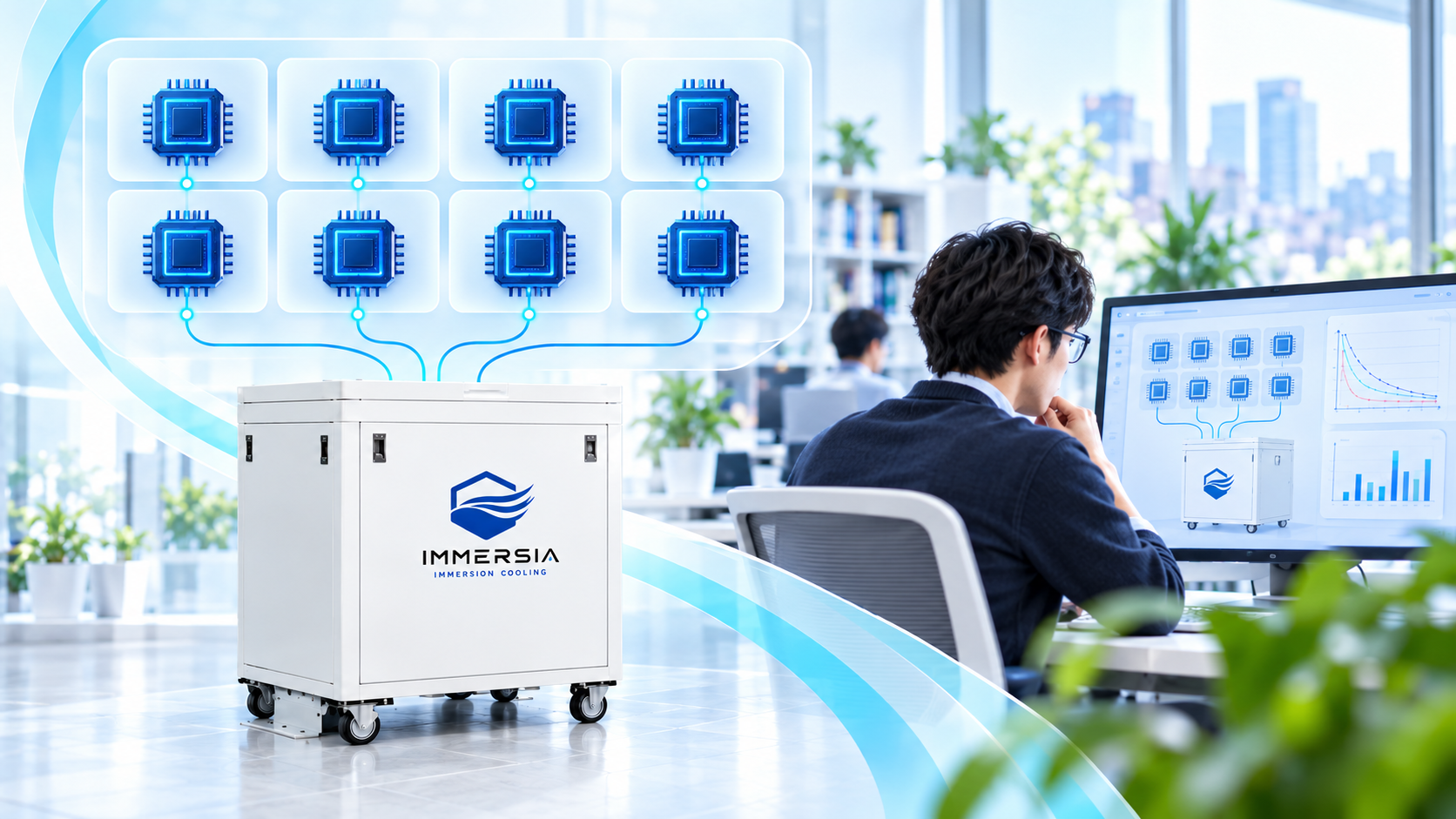
We are therefore exploring a plan to assign roles across 8 GPUs. This is a configuration example for this plan, not a standard configuration common to all IMMERSIA products. Actual unit counts and installation conditions must be confirmed from both the hardware and business perspectives.
Assign 8 GPUs to protection, generation, and audit roles
In the example configuration, GPU01 handles information classification, GPU02 handles lighter generation tasks, GPU03–06 handle generation tasks running across multiple GPUs, and GPU07–08 handle audit and search-related processing. Mapping roles visually makes it easier to identify where routine queries and heavy audit tasks compete.
However, DLP and authentication/permission-management functions do not all run on GPUs. CPU, memory, storage, network, and management software are also required. It is important not to interpret "GPU01 is present" as meaning "transmission control is complete."
Separating GPUs also does not guarantee strict security isolation. Process, container, network, storage, and permission separation must also be designed. Depending on the use case, separating onto a different server may be more appropriate.
Protection (GPU01)
Input classification and routing decisions. DLP and authentication work in conjunction with CPU and software.
Generation (GPU02–06)
Text drafting and document summarisation. Lighter and heavier tasks are assigned separately.
Audit (GPU07–08)
Record investigation and cross-document search. Consider separating from daytime usage by time of day.
Fitting a model is different from comfortable usage
Even if a model fits in GPU memory, comfortable performance when many employees simultaneously enter long text must be verified separately. Beyond the model weights, space is needed for data during inference and for context maintained across a conversation.
The sum of multiple GPUs' memory capacity does not mean a single pool freely available to any model. Actual behaviour varies by the method used to distribute the model, inter-GPU communication, software support, and quantisation.
Verification should include not just short questions, but also long contract summaries, multi-document comparisons, and extended conversations. Measuring time to first token, time to complete response, and wait time under load separately makes it easier to identify where the bottleneck lies.
Start by estimating the number of requests that will arrive
For example, if 1,000 employees each use AI 10 times per day over 8 hours, that is 10,000 requests per day. If 10% route to the on-premises AI, that is 1,000 on-premises requests per day — about 0.035 per second on average, or about 0.35 per second at 10× peak.
This is a demand estimate of "how many requests arrive." It is not a performance figure showing that the AI can complete responses at that rate or that no wait time will occur. Even a single request differs greatly between a few lines of text and dozens of pages of documents.
When reviewing tables with larger user counts, confirm these assumptions alongside the numbers. If the proportion routed externally changes, the on-premises load changes too. Also account for concentrated usage during morning start-of-business or before meetings, and measure under conditions close to actual requests.
| Employees | Daily requests (total) | On-premises 10% | Average (req/s) | Peak ×10 (req/s) |
|---|---|---|---|---|
| 500 | 5,000 | 500 | ~0.017 | ~0.17 |
| 1,000 | 10,000 | 1,000 | ~0.035 | ~0.35 |
| 2,000 | 20,000 | 2,000 | ~0.069 | ~0.69 |
| 5,000 | 50,000 | 5,000 | ~0.174 | ~1.74 |
Assumes 10 requests/person/day, 8-hour day, 10% on-premises routing, 10× peak. Not a performance guarantee.
Immersion cooling connects to heat and installation planning
In configurations with high-density GPU deployment, managing heat is as important as compute performance. Immersion cooling submerges equipment in compatible cooling fluid; heat transferred from the equipment to the fluid is removed through circulation and heat exchange.
Selecting a cooling method requires confirming expected heat output, equipment-fluid compatibility, maintenance approach, power, floor load, access routes, and response to leaks. How heat discharged from the unit is handled is also necessary. Immersion cooling does not uniformly eliminate the need to consider building ventilation or air conditioning.
In WOODMAN's concept, software-side GPU plans and immersion-facility conditions are confirmed together. Cooling capacity figures alone cannot determine the number of AI users, and AI performance tests alone cannot determine installation conditions. Both together make an operable platform.
When reading performance tables, align the work being measured
Reference materials may show the number of requests a classification model processed per second, or speed measured on a specific GPU. However, a test classifying short inputs and a test reading long text to generate a response are different things, even if both are called "AI speed." The former's throughput cannot be directly converted to the number of employees who can use the system.
When comparing, align GPU and memory, model and settings, input/output length, concurrent execution count, and measurement scope. Whether search time is included, and whether queue time is included, also affects the relationship to the speed users perceive. Numbers whose conditions are unknown should not be used as the deciding factor for deployment — treat them as prompts for additional verification.
Testing generation and audit processing running simultaneously is also necessary. Even if each is fast individually, loading search data or competing for shared resources may cause slowdowns. Prioritising employee usage during the day and scheduling heavy batch jobs at other times is one adjustment that does not require adding hardware.
Reducing model size, shortening responses, or narrowing reference documents all have quality implications. Confirm that improving speed does not lose the evidence and explanation the task requires. Tracking both performance and quality in the same business-task test is important.
Ultimately, run representative tasks on the candidate configuration and observe latency and response quality. Rather than deciding from a specification sheet alone, feeding actual usage conditions back into hardware selection makes it easier to explain the basis for the required headroom.
Reserve capacity is designed, not wasted

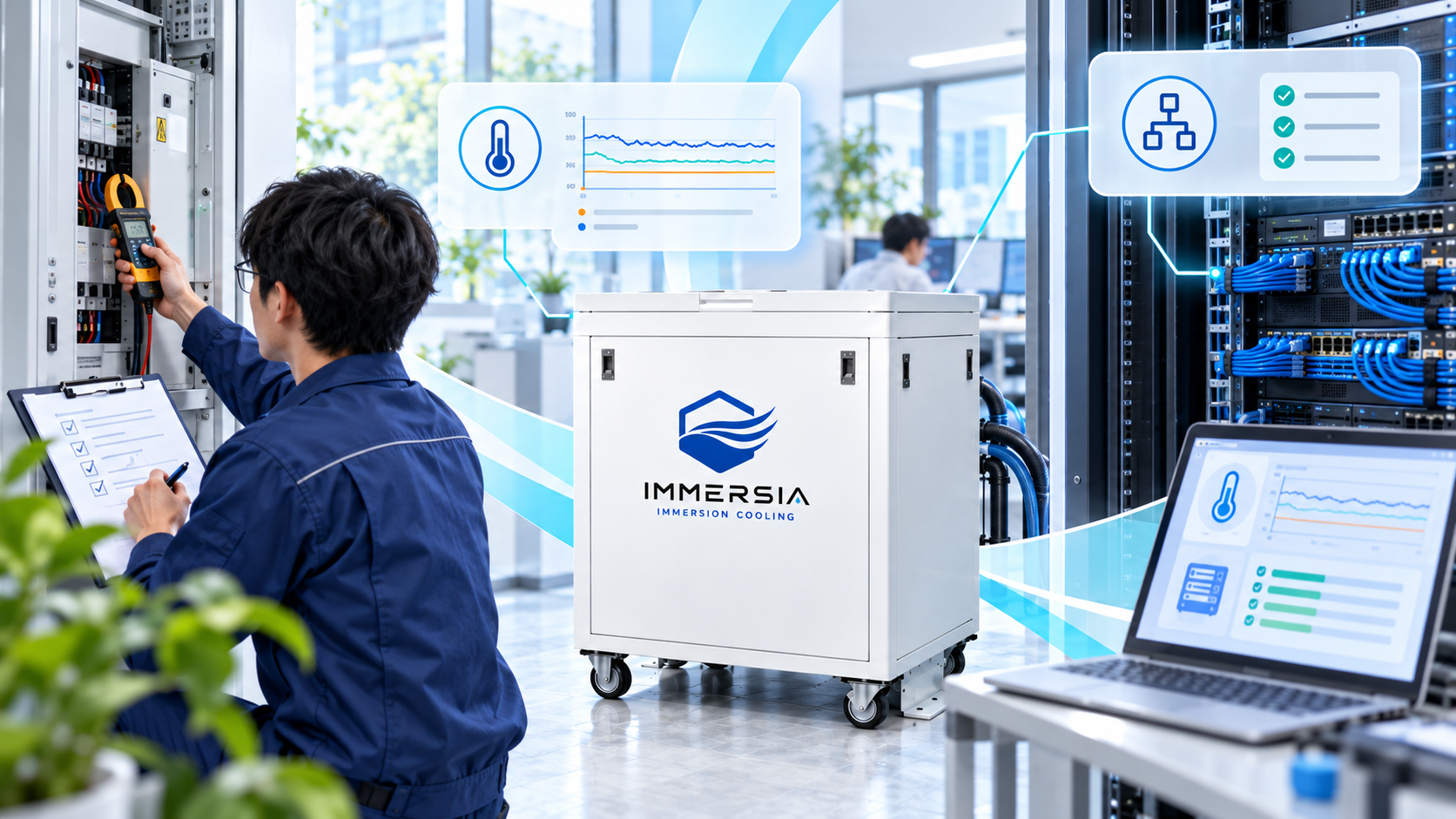
The purpose of 8 GPUs is not to run all of them at 100% at all times. The thinking is to secure headroom for peak usage and separation for running audit processing in a dedicated allocation. However, an available GPU does not automatically take over from a failed one — a failover mechanism must be designed separately.
Before deployment, decide on required response times and usage peaks, and test how the system behaves in normal, peak, and maintenance conditions. CPU and search storage may hit their limits first, so observe the whole system, not just GPUs.
Rather than deciding hardware size first, approach the required configuration from the volume and quality of work. That is the way to build an AI platform with neither too much nor too little. Next time, we look concretely at document, accounting, and healthcare use cases for this platform.